

Welcome Package

Bonus terms & conditions apply.
FanDuel Casino Mobile App: Use iOS and Android
The FanDuel Casino App
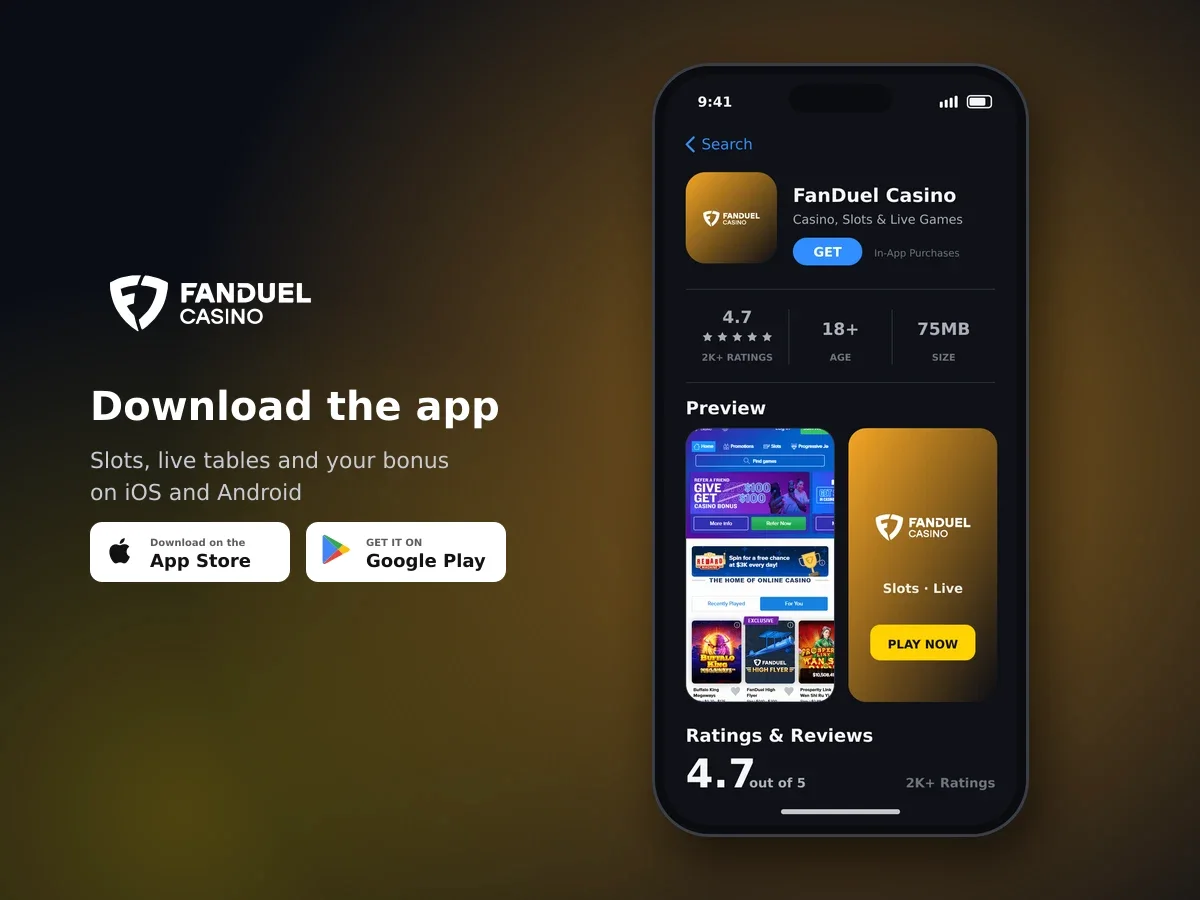
FanDuel Casino
- 4.7 2K+ ratings
- 75MBSize
- 18+Age
- 30K+Downloads
What the mobile app gives you on iOS and Android
Our native mobile app is available for both iOS and Android. It gives you a dedicated way to use FanDuel Casino from a compatible mobile device, while keeping the experience close to the desktop version.

Sign up today and start spinning
You do not need to learn a completely different layout when moving between devices. The app and desktop experience are designed to feel closely related, so familiar account areas and casino content remain easier to recognise.
- Use the native FanDuel Casino app on iOS or Android.
- Move between mobile and desktop while keeping a familiar overall experience.
- Use one FanDuel Account across the sportsbook and casino.
- Access account settings and responsible gambling controls from your account.
| Area | What you can expect |
|---|---|
| Device support | Native apps for iOS and Android |
| Layout | A mobile experience that closely matches desktop |
| Account | One account spans the sportsbook and casino |
| Language | Customer support is available in English |
Use FanDuel Casino from your mobile device
Choose the native app for your device and keep a familiar casino experience with you when you move away from desktop.
A familiar experience across mobile and desktop
The app is built for players who want the same brand experience on more than one type of device. The mobile layout closely follows the desktop experience, which means changing device does not require you to start from scratch with a new interface.
Your FanDuel Account works across the sportsbook and casino. This gives you one account relationship rather than separate accounts for each product. Use the account connected to your casino activity when you open the app.
| When you use the app | What remains familiar |
|---|---|
| Opening the casino | The FanDuel Casino experience is available through a native mobile app |
| Moving between devices | The mobile layout closely matches the desktop experience |
| Using your account | One FanDuel Account covers sportsbook and casino access |
This familiar structure is useful if you switch between a larger desktop display and a mobile device. You can choose the format that suits the moment without needing to understand a completely separate casino interface.
Where promotional funds appear after you log in

Register in minutes and play
Bonus funds are credited to the account wallet linked to the most recent login location. When you open FanDuel Casino on mobile, check that you are viewing the intended account session before using a promotional balance, so the wallet shown matches the latest login location.
Account controls and safer play from your device
The mobile experience also gives you a practical way to keep your account activity under control. Deposit limits, self-exclusion and responsible gambling tools are available to all players through account settings.
Set a deposit limit to give your spending a clear boundary. If you need a complete break from play, use the self-exclusion programme. Self-excluded players are also removed from promotional eligibility.
- Use deposit limits to manage how much you add to your account.
- Use self-exclusion when you want to stop casino activity.
- Use the available Consumer Protection Tools to manage your activity.
- Take a break if casino play stops feeling like entertainment.
- Only play if you are aged 18 or over.

Play your way, every day
We also use an SSL-encrypted connection, and identity verification is required before real-money play begins. These checks form part of the account process whether you access FanDuel Casino through the app or another supported format.
How to start using the mobile app
Getting started is straightforward. Use the native app for your device, then use your existing FanDuel Account for the sportsbook and casino experience. The steps below keep the process simple without adding extra account details.
- Choose your device
Use the native FanDuel Casino app on an iOS or Android device.
- Open the app
Launch the app and use your FanDuel Account for access across the sportsbook and casino.
- Set your account controls
Go to your account settings and use the deposit limits or responsible gambling tools that suit your needs.
- Choose how you want to play
Use the mobile experience when you prefer a native app, or move to desktop when a larger display works better for you.
The app is intended to keep the core experience familiar rather than create a separate version of the brand. If you already know the desktop layout, the close match should make the move to mobile easier.
Welcome package terms to check on mobile
The welcome package gives new players up to £4,100 plus 250 free spins. Its listed terms include a 35× wagering requirement on the bonus amount, a £10 minimum deposit, a £5 maximum bet per spin and 30 days to use it.
| Item | Term |
|---|---|
| Package | Up to £4,100 + 250 free spins |
| Wagering | 35× bonus amount |
| Minimum deposit | £10 |
| Maximum bet | £5 per spin |
| Time to use | 30 days |
For a straightforward example, a £10 deposit reaches the stated minimum, while a £5 spin sits at the maximum permitted bet. A £6 spin would exceed that maximum. The 35× term applies to the bonus amount, and the 30-day period is the time allowed to use the package.
Mobile help when you need assistance
Our customer support options are available in English. If you need help while using FanDuel Casino, you can use live chat, the help-centre FAQs or the contact form.
| Support route | Best for |
|---|---|
| Live chat | Getting help through a direct conversation |
| Help-centre FAQs | Finding answers to common account and casino questions |
| Contact form | Sending a request when you need further assistance |
Use the support option that matches your question. Live chat is available through the support launcher, while the help centre and contact form give you other ways to find information or send a request.
The mobile app is one way to access FanDuel Casino, but support remains available through the wider customer service options. Keep your account details ready when contacting us so we can help with your request.
Ready to use FanDuel Casino on mobile?
Use the native iOS or Android app for a casino experience that stays close to desktop, with account controls and English-language support available.
Mobile App: questions and answers
Is there a FanDuel Casino app for iOS and Android?
Yes. We offer a native mobile app for both iOS and Android devices.
Does the FanDuel Casino app look like the desktop experience?
Yes. The app closely matches the desktop experience, so the overall layout remains familiar when you change device.
Can I use one account for the sportsbook and casino?
Yes. A single FanDuel Account is used across the sportsbook and casino.
Can I set account limits from mobile?
Deposit limits, self-exclusion and responsible gambling controls are available through account settings. These tools help you manage your activity.
Is the FanDuel Casino app secure?
Your connection is SSL-encrypted. Identity verification is required before real-money play, and access is restricted to players aged 18 and over.
How can I contact support while using the app?
Our support options include live chat, help-centre FAQs and a contact form. Customer support is available in English.